Diablo 4 PC Version: Performance and Visual Analysis
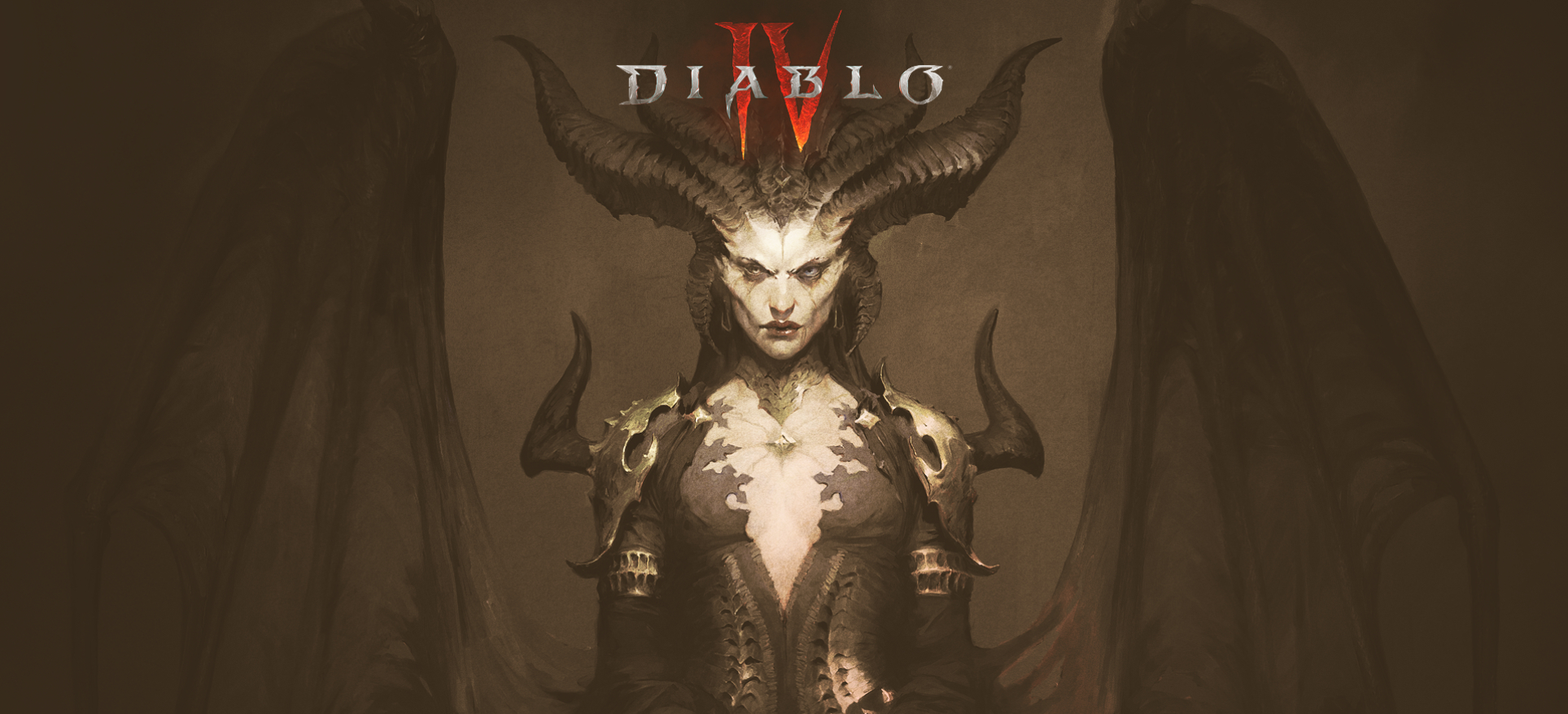
Diablo, a franchise that has captivated gamers for over 25 years, continues to remain fresh and engaging. Diablo 4, the latest installment in the series, stands out with its multi-platform release. However, considering recent PC port quality, one might approach it with caution. Fortunately, Diablo 4 runs smoothly on a wide range of PC hardware, but it's important to note that achieving texture parity with the PS5 requires a 16GB graphics card.
Game Launch and Accessibility
Diablo 4 requires a battle.net account and an always-online connection, even for solo play, which might be old news to franchise veterans but may come as a surprise to newcomers. The game offers a wide array of accessibility options, including customizable font size, text-to-speech, and more. The menus support both keyboard and mouse as well as controllers, providing a versatile gameplay experience. However, the menu itself could benefit from preview images and VRAM usage statistics.
Graphics and Performance
Diablo 4 offers a comprehensive set of graphics options, including DLSS (Deep Learning Super Sampling) or FSR2 (FidelityFX Super Resolution). However, the game chooses the optimal option for players, removing the choice for Nvidia owners to select FSR2. While the options are generally good, the menu design could be improved. Some descriptions are inaccurate, such as the suggestion that 32GB of system RAM is required for ultra textures, when in fact 16GB is sufficient. However, smooth gameplay with ultra textures does require a 16GB VRAM GPU, which is not explicitly mentioned.
Additional settings, such as control customization and audio tweaks, are available, along with native ultrawide support. Notably, the absence of a proper fullscreen mode means adjusting the in-game resolution requires changing the desktop resolution.
Visual and Performance Optimizations
Upon starting the game, an introductory sequence plays, featuring pre-rendered videos. However, these videos exhibit low bitrate and run at 24 frames per second, which may seem odd considering the prevalence of 120Hz displays. Furthermore, real-time cutscenes are capped at 30fps by default, with an option to toggle off the limiter.
Diablo 4 is designed to provide a good experience across a wide range of PC hardware. High-end systems, such as those equipped with a Core i7 13700K and an RTX 4080, can achieve over 100fps at native 4K, with DLSS further boosting performance to well over 200fps. Even older hardware, like the Core i7 3770K and GTX 1060, can deliver a solid experience at 1080p with minimal sacrifices. However, maintaining smooth gameplay heavily relies on the texture quality selected. Ultra textures necessitate a 16GB GPU, as lower VRAM cards experience significant stuttering.
Optimized settings can provide a smoother experience without sacrificing visual fidelity. Turning down settings such as SSAO and shadow quality yields performance gains with minimal impact on visuals. However, it is crucial to set textures to high for a consistently smooth experience. Other settings, such as clutter, screen-space reflections, and dynamic shadows, can also be adjusted to improve performance. Disabling anti-aliasing, reflections, water simulation quality, terrain geometry detail, and shader quality provides negligible gains.
Issues and Network Considerations
Some users have reported shader compilation stutter, although its impact appears minor. Occasional drops in performance, resembling VRAM over-occupation, have been observed on various systems, even when textures are set to high. These drops may be related to network issues, which can potentially be resolved by changing a Windows setting from private to public. Always-online games can present additional problems, including network-related issues.
Diablo 4 on PC offers a definitive experience, provided the hardware meets the recommended specifications. It runs well on various generations of hardware and offers extensive options for accessibility and performance customization. However, the texture quality setting requires careful consideration, as ultra textures demand a 16GB GPU to avoid stuttering. Blizzard should address the quality of high and medium textures in future updates. Despite these considerations, the PC version of Diablo 4 is worth exploring for fans and newcomers alike.